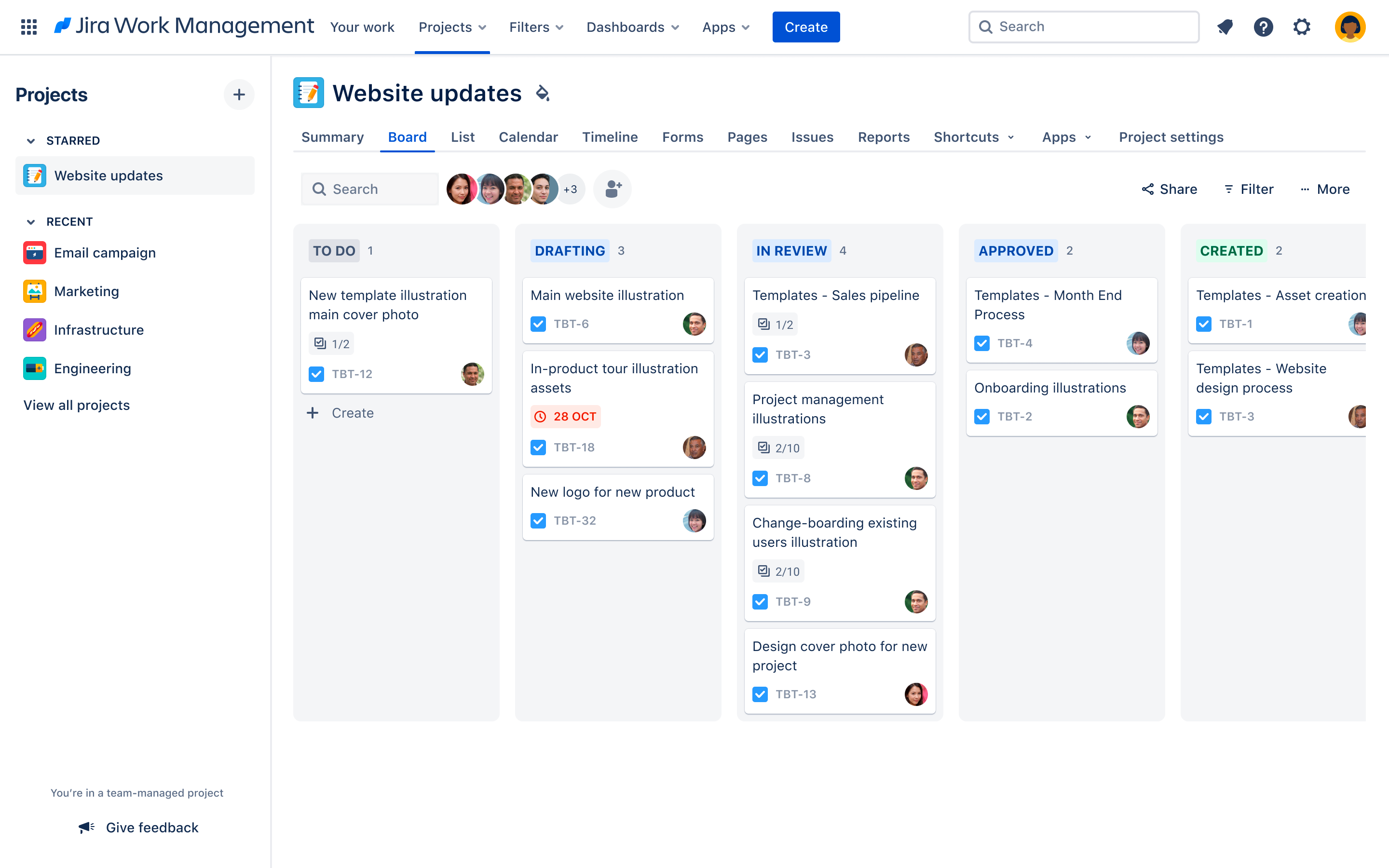
Checking Jira is one of those time-consuming tasks I really do not enjoy, so I automated it as much as possible. Now, with AI, I’ve almost made it disappear entirely.
I say “almost” just because I’d like to review any output manually, not because it would be impossible.
Before AI, I was automating Jira inside Jira, building dashboards and writing JQL inside filters to extract tickets meeting certain conditions. It was still necessary to manually click on the results, read, understand the content, and take action.
With AI, the main issues are the consistency of the results and fetching the data.
In the case of Jira, fetching results is easy with Jira’s MCP server, but I was still struggling with consistency. It’s in the nature of LLMs to produce results that are slightly different each time, but that becomes a problem when they use different formatting or decide to summarise instead of reporting.
Enter the skills. I created a set of skills for Jira to teach the AI how to do the job in detail. Skills are essentially pre-made prompts that one can trigger from the main prompt. It’s a convenience, not a new thing. However, they make the instructions consistent, and that helps with the consistency of the results.
It was good most of the time, but I suspected that the interaction with Jira’s MCP wasn’t as good as it could be. After several attempts burning tokens for nothing, I ended up writing my own MCP server that does the job precisely the way I want.
So, my final setup flows this way:
- A brief prompt that I write manually. Its mild randomness doesn’t seem to matter much.
- The prompt triggers a skill that is always the same.
- The skill triggers my MCP server, which exposes just one tool and always returns the results the same way.
And now, like magic, I can ask the AI things like “prepare the description for release ITSM-1234” and I get a list of the changes linked to the ticket with a nice summary.
I still read it and copy/paste it manually because I’m old-fashioned, but now I spend just a minute and 2 brain cells. The savings add up!
My MCP server is available on my GitHub. I’ll probably expand it with new tools in the future.